Make system status understandable at a glance.
Clear operator messages and controls for Troman fire systems
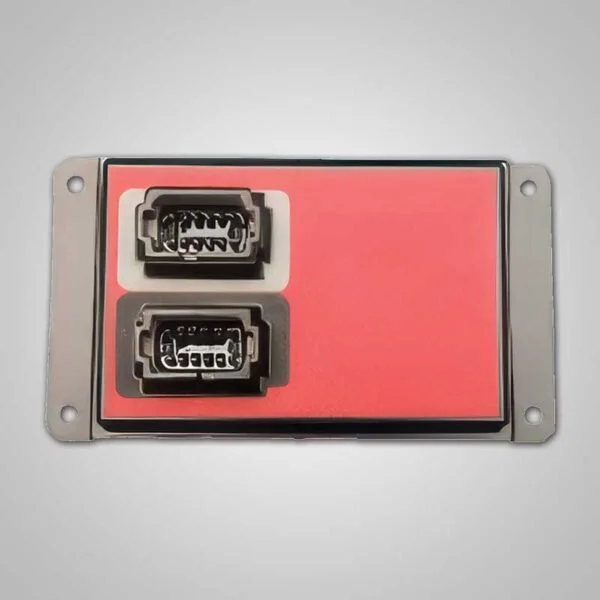
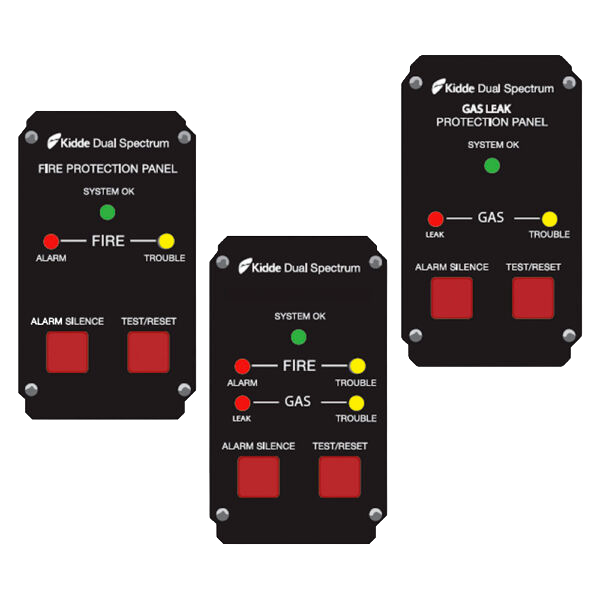
The Troman LCD mini display presents normal, trouble, low-voltage, fire, and gas conditions from compatible multifunction controllers. Color-coded screens, channel information, date and time, and fleet-specific messages help the operator understand what the system is reporting.
The interface also provides selected controls for silencing the external buzzer, delaying suppression for a defined period, and resetting the system after an event. More advanced controllers allow messages to be tailored to the vehicle and fleet.
The Troman LCD mini display gives bus operators clear fire-system status, channel-specific alarm messages, and key controls for silence, delay, and reset.
Turn a warning light into useful information
Show the condition, channel, and system state.
A text display can reduce uncertainty during a trouble or alarm condition. The operator can see whether the issue is low voltage, a channel fault, a fire alarm, or a trace or significant gas condition.
Support the operator’s next action
Keep essential controls together.
Silence, delay, and reset functions provide the interface needed to follow the configured emergency sequence. The display should be positioned and programmed as part of the broader operator environment.
Key capabilities
Time and date display
Controller software and vehicle identification
Normal, low-voltage, trouble, fire, and gas messages
Channel-specific alarm information
Configurable messages with supported controllers
External-buzzer silence control
Suppression delay control
System reset control
Give the operator clearer information.
Troman can pair the LCD display with the appropriate controller and tailor messages to the vehicle’s zones and procedures.
Download data sheet (PDF)→
Make system status understandable at a glance.
Clear operator messages and controls for Troman fire systems
The Troman LCD mini display presents normal, trouble, low-voltage, fire, and gas conditions from compatible multifunction controllers. Color-coded screens, channel information, date and time, and fleet-specific messages help the operator understand what the system is reporting.
The interface also provides selected controls for silencing the external buzzer, delaying suppression for a defined period, and resetting the system after an event. More advanced controllers allow messages to be tailored to the vehicle and fleet.
The Troman LCD mini display gives bus operators clear fire-system status, channel-specific alarm messages, and key controls for silence, delay, and reset.
Turn a warning light into useful information
Show the condition, channel, and system state.
A text display can reduce uncertainty during a trouble or alarm condition. The operator can see whether the issue is low voltage, a channel fault, a fire alarm, or a trace or significant gas condition.
Support the operator’s next action
Keep essential controls together.
Silence, delay, and reset functions provide the interface needed to follow the configured emergency sequence. The display should be positioned and programmed as part of the broader operator environment.
Key capabilities
Time and date display
Controller software and vehicle identification
Normal, low-voltage, trouble, fire, and gas messages
Channel-specific alarm information
Configurable messages with supported controllers
External-buzzer silence control
Suppression delay control
System reset control
Give the operator clearer information.
Troman can pair the LCD display with the appropriate controller and tailor messages to the vehicle’s zones and procedures.
Download data sheet (PDF)→

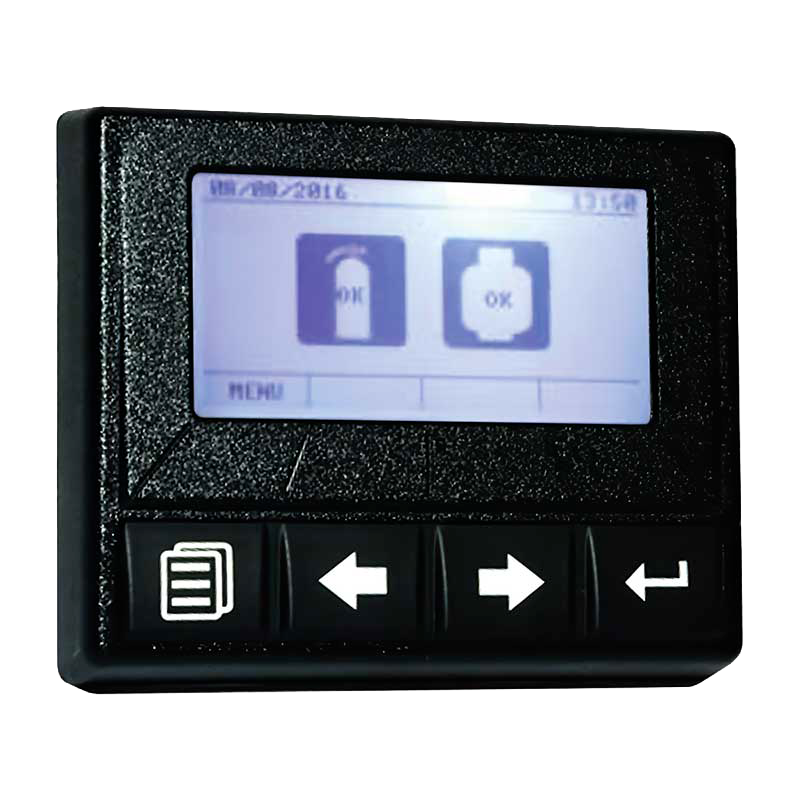 Image 1 of 1